


Need to customize WooCommerce with Elementor? Start with the page type you need to change: product pages, shop archives, cart, checkout, account, or merchandising features such as filters, swatches, compare, and wishlist. This comparison covers ten current options and explains which store problem each addon is best suited to solve.
The useful distinction is whether an addon controls the WooCommerce surface limiting the store. This comparison uses current first-party product pages and keeps useful original screenshots.
What WooCommerce Elementor addons actually change
WooCommerce supplies the store data and commerce workflow. Elementor supplies the visual editing system. An addon connects the two with widgets, templates, extensions, or a builder for store areas that are otherwise difficult to arrange visually.
That can mean a product template, shop archive, cart or checkout layout, account screen, product grid, filter, variation swatch, compare control, or wishlist placement. Some packs focus on one surface. Others combine a full WooCommerce builder with general Elementor widgets.
Choose the smallest category that solves the problem. A site that needs one product-grid widget does not automatically need a full store builder. If your team already uses several Elementor packs, map their overlapping modules first.
For the editor choice behind the addon, see our guide to Gutenberg and Elementor for WooCommerce. The goal is a maintainable editing workflow, not a larger plugin list.
Quick comparison of the 10 best options
| Addon | Best fit | WooCommerce surfaces to check | Elementor boundary | Official source |
|---|---|---|---|---|
| ShopLentor, formerly WooLentor | Broad store building | Product, shop, cart, checkout, account, modules | Elementor-based builder and templates | ShopLentor |
| Element Pack Pro | Broad widgets and store templates | Products, cart, checkout, templates | Elementor widget pack | Element Pack |
| MoreConvert | Wishlist and merchandising workflows | Wishlist, save for later, waitlist, multilist | Elementor widgets and integrations | MoreConvert Wishlist |
| ShopEngine | WooCommerce workflow builder | Shop, cart, checkout, account, variations, promotions | Elementor-based WooCommerce builder | ShopEngine |
| Responsive Addons | General Elementor extension layer | Confirm the current WooCommerce modules | Elementor addon | Responsive Addons |
| PowerPack Elements | Specialized store widgets | Product layouts, cart, checkout, account | Elementor extensions | PowerPack |
| Essential Addons | Broad widget library | WooCommerce category and elements | Elementor addon | Essential Addons |
| ElementsKit | Site chrome plus store widgets | Products, mini cart, templates, headers, menus | Elementor addon and builders | ElementsKit |
| Happy Addons | General design workflow | Confirm the documented WooCommerce compatibility | Elementor addon | Happy Addons |
| The Plus Addons | Deep store-surface coverage | Product, cart, checkout, account, compare, wishlist, filters | Elementor WooCommerce builder | The Plus Addons |
This is a shortlist, not a universal ranking. Check the linked source before installing.
How to choose without installing overlapping addon packs
Start with the page or workflow that needs control:
- Product page: Do you need a custom layout, variation presentation, quick view, or extra product information?
- Shop and category pages: Do you need grids, archive templates, filtering, search, or sorting?
- Cart, checkout, and account: Do you need to change these screens or only add a small widget?
- Merchandising: Do you need compare, wishlist, save for later, waitlist, swatches, or product requests?
- Maintenance: Which modules will the team enable, and how will it handle theme, WooCommerce, gateway, and cache changes?
The Elementor boundary matters too. Some products are general widget libraries with a WooCommerce category. Others are built around WooCommerce templates and store flows. Check whether the required widget depends on Elementor Pro, and whether it adds something your current setup does not.
Do not compare a full builder and a single-purpose merchandising plugin as interchangeable. MoreConvert fits wishlist, save for later, waitlist, and multiple product lists. A WooCommerce builder fits page templates and archive layouts.
Before choosing, make an overlap map. Record which plugin controls each store surface. If two plugins claim the same surface, choose one owner and disable the duplicate where possible.
10 WooCommerce Elementor addons worth comparing
1. ShopLentor, formerly WooLentor
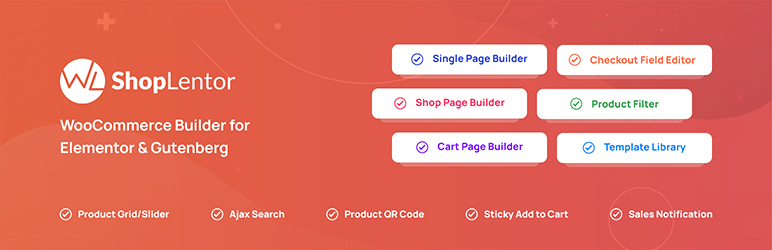
ShopLentor is the broad store-builder candidate here. Its official page presents WooCommerce page and template coverage alongside widgets and store modules.
Best when: You need several connected product, shop, cart, checkout, or account surfaces.
Check before installing: Choose the templates it will own and compare them with your theme and Elementor Pro. Review ShopLentor's current WooCommerce offering.
2. Element Pack Pro
Element Pack Pro suits teams that want a general Elementor toolkit with WooCommerce widgets for products, cart, checkout, and templates.
Best when: You need several reusable Elementor widgets with WooCommerce coverage.
Check before installing: Test the required product, cart, and checkout widgets in the plan you intend to use. See Element Pack's current WooCommerce widgets and templates.
3. MoreConvert
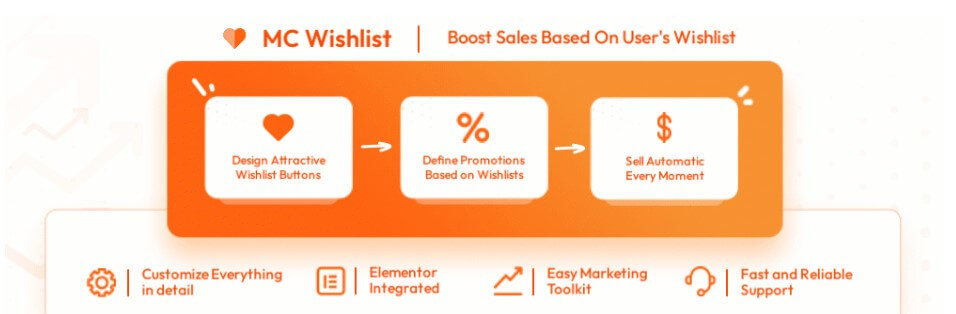
MoreConvert is the focused merchandising option. Its current product positioning covers wishlist, save for later, waitlist, and multiple-list workflows, with Elementor widgets and integration documentation. It is not a full WooCommerce page builder.
Best when: Shoppers need to save products, organize intent, return later, or join a waitlist.
Check before installing: Verify Elementor placement and the theme's button and account templates. Start with MoreConvert Wishlist and the site's integration documentation.
4. ShopEngine
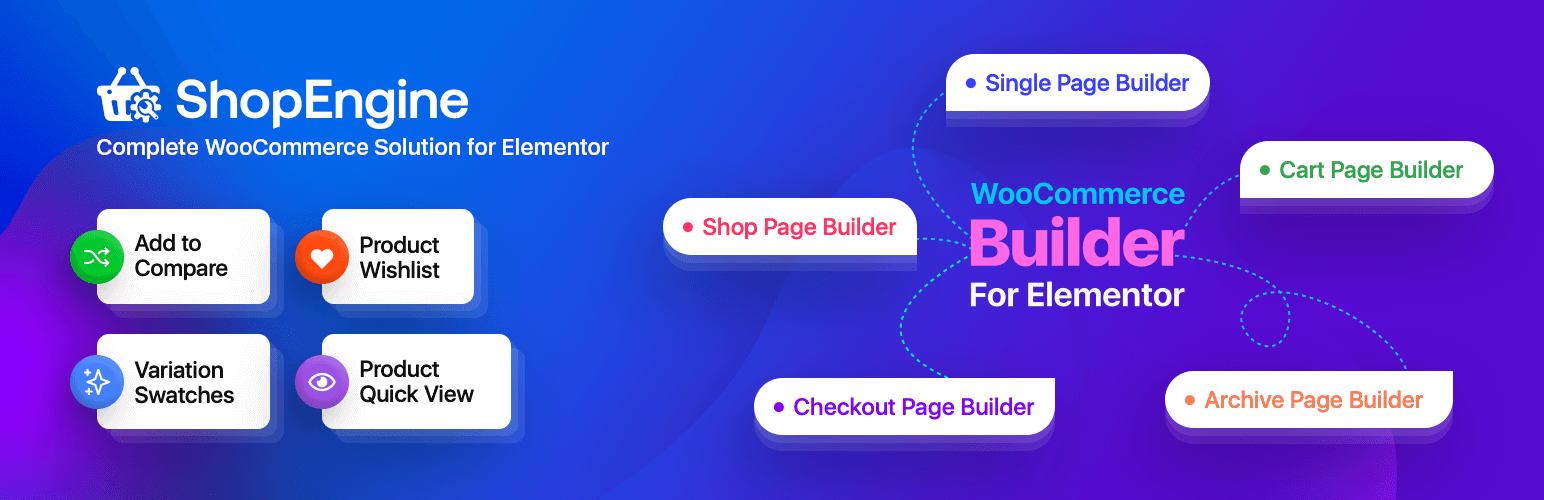
ShopEngine targets WooCommerce workflows rather than only decorative widgets. Its official page documents shop, cart, checkout, account, variation, and promotional tools.
Best when: You want several WooCommerce page surfaces and merchandising tools in one Elementor builder.
Check before installing: Build a variable test product and run cart and checkout with the active gateway. Check ShopEngine's current builder and module documentation.
5. Responsive Addons for Elementor
Responsive Addons is a general Elementor widget and template extension. The current source does not support repeating the old widget, template, installation, or rating numbers, so confirm WooCommerce coverage for the page you plan to build.
Best when: You need general Elementor extensions and the current page confirms the WooCommerce module.
Check before installing: Do not assume it owns a product or checkout template. Verify the current WooCommerce feature list. Open Responsive Addons for Elementor.
6. PowerPack Elements
PowerPack Elements is a focused option for store widgets and Elementor extensions. Its official positioning covers product layouts, cart, checkout, and account areas; check current plan availability on the vendor page.
Best when: You want specialized WooCommerce widgets without a full store builder.
Check before installing: Confirm the plan and test the widget with your theme's product and cart markup. Review PowerPack's WooCommerce Elementor tools.
7. Essential Addons for Elementor
Essential Addons is a broad widget library with WooCommerce elements. It fits when the WooCommerce category contains the product, archive, cart, or checkout element you need.
Best when: You want a general Elementor pack plus a defined subset of store widgets.
Check before installing: Match the element to the current plan comparison and disable overlapping widgets. Open Essential Addons' current product page.
8. ElementsKit
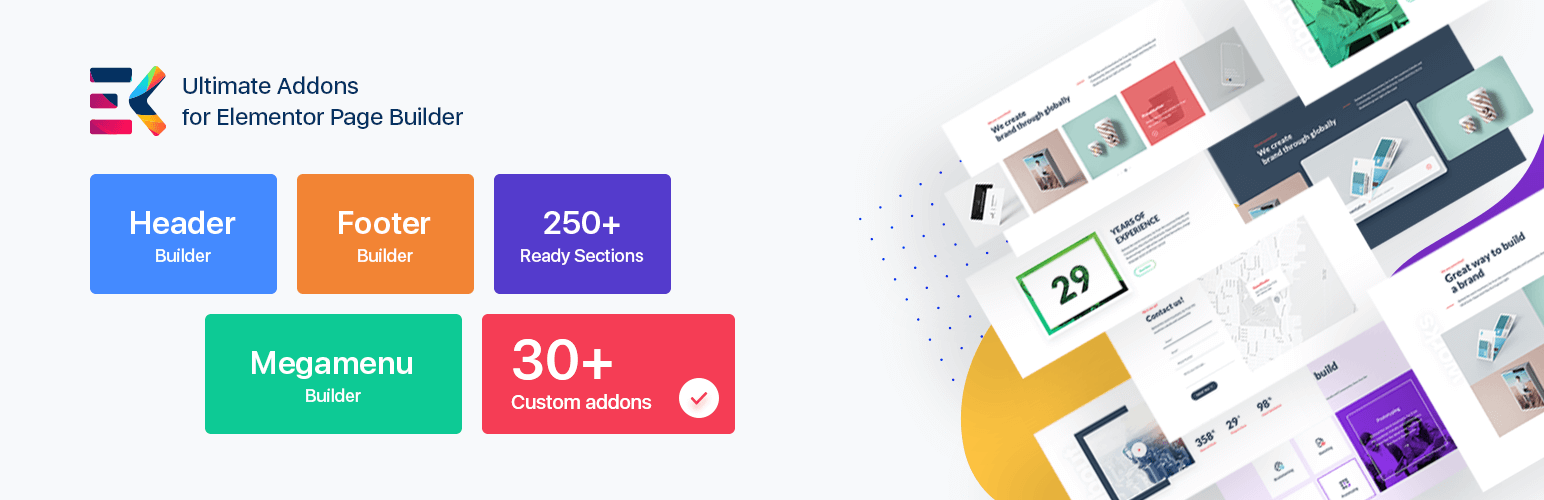
ElementsKit fits a store problem that includes more than product cards. Its documentation covers widgets, extensions, templates, header and footer tools, mega menus, selective asset controls, and WooCommerce support.
Best when: You need store widgets plus headers, footers, menus, or reusable templates.
Check before installing: Test selective asset loading and confirm that templates do not overlap with the theme or another builder. Review ElementsKit's current feature set.
9. Happy Addons
Happy Addons is a design-oriented Elementor extension with WooCommerce compatibility, templates, and on-demand asset features. Evaluate the exact component rather than the size of its library.
Best when: You need design workflow features and the current page covers your component.
Check before installing: Test with on-demand assets enabled and compare the markup and styles with your theme. Check Happy Addons' current documentation.
10. The Plus Addons for Elementor
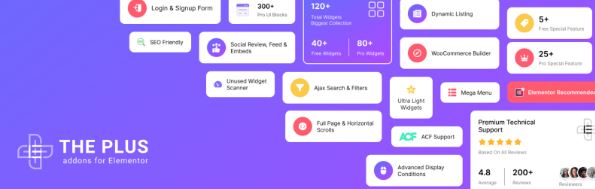
The Plus Addons is the broadest store-surface candidate here. Its WooCommerce builder covers product, cart, checkout, account, order tracking, compare, wishlist, quick view, and filtering tools.
Best when: Your store needs connected WooCommerce templates and merchandising controls.
Check before installing: Choose one owner for each surface, then test product, archive, cart, checkout, account, compare, wishlist, and filters on mobile. Review The Plus Addons WooCommerce builder.
What to test before you commit
Use a staging copy and run the same path a customer will use:
- Create one variable product with an image and stock status.
- Render the product template and shop archive at desktop and mobile widths.
- Test the selected filters, search, swatches, compare, wishlist, or save-for-later features.
- Add the product to cart and complete test-mode checkout with the active gateway.
- Check account, order, email, waitlist, or list-management screens.
- Disable competing widgets where possible and check for duplicate buttons, layout errors, and unexpected requests.
- Inspect asset loading, cache behavior, and the documented rollback path.
For a checkout path, use the WooCommerce checkout page template guide. Review MoreConvert features before adding another plugin.
Frequently asked questions
Can I use Elementor with WooCommerce?
Yes. Elementor can be used alongside WooCommerce, and addons extend its widgets, templates, and store surfaces. Exact page control depends on the setup, theme, and plan.
Do I need Elementor Pro for a WooCommerce addon?
Not always. Some addons provide their own widgets or templates, while others depend on the installed Elementor setup. Read the widget requirement before testing.
Should I install more than one Elementor addon pack?
Only when the packs solve separate jobs. A full store builder and a focused wishlist tool can complement each other. Two packs controlling the same surface create ownership risks.
Which addon should I test first if I only need checkout or product-page control?
Start with a builder whose documentation names the surface you need. Compare Element Pack, ShopEngine, PowerPack, ShopLentor, and The Plus Addons for page control. If the missing feature is saving products or shopping intent, test MoreConvert.
Final shortlist
Choose ShopLentor, ShopEngine, or The Plus Addons for several connected WooCommerce page surfaces. Choose Element Pack, PowerPack, Essential Addons, ElementsKit, Happy Addons, or Responsive Addons for a broader Elementor extension set after confirming the WooCommerce module. Choose MoreConvert for wishlist, save for later, waitlist, or multi-list merchandising.
The next step is a staging test with one product and one complete checkout path. Keep the addon that solves the missing workflow without taking ownership away from a tool you already trust.


